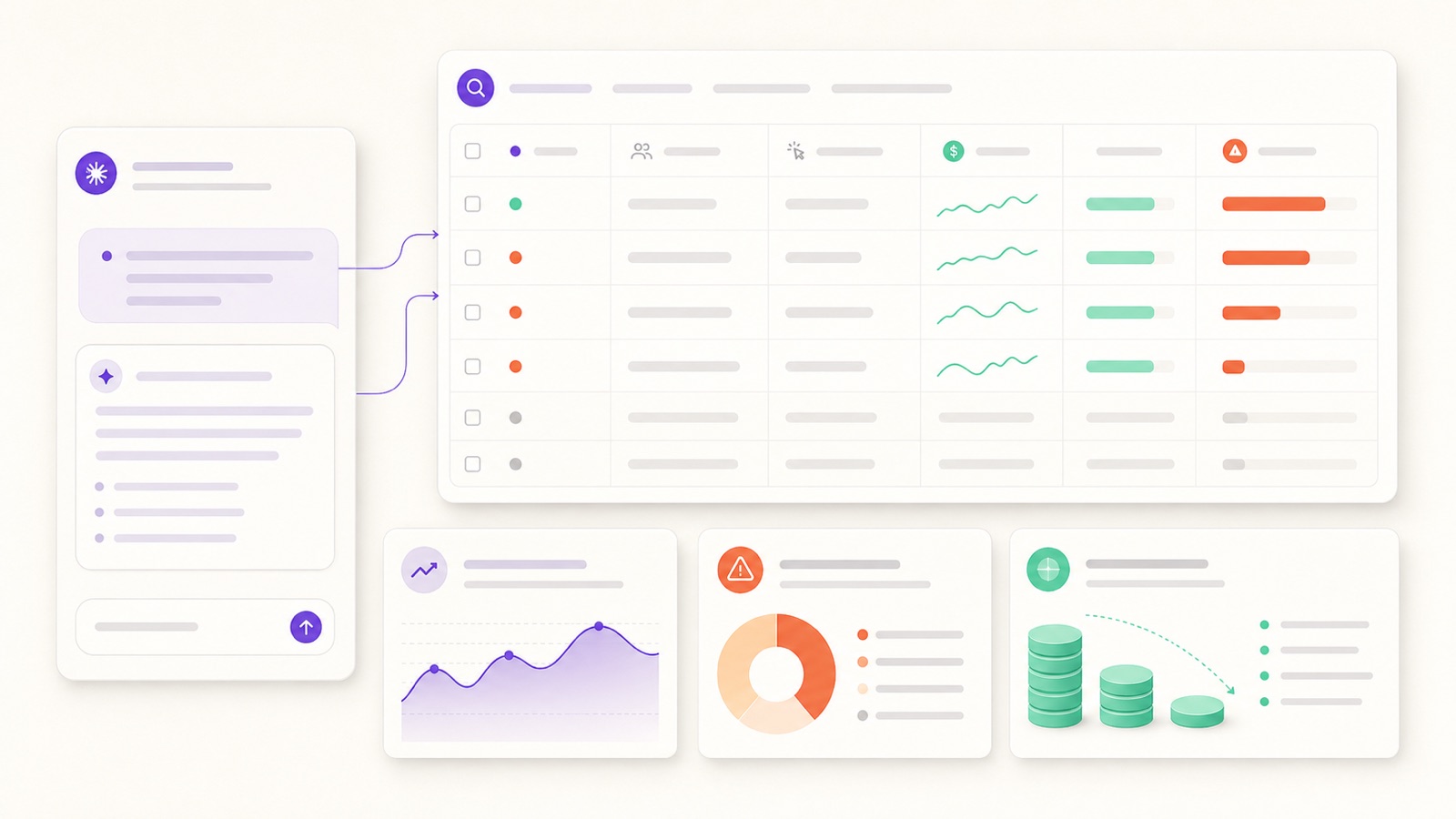
- A real audit is a question, not a download. Connect Google Ads to Claude and ask — it reads your live account and ranks every leak by dollar cost in seconds.
- It's read-only, so it's safe. An audit can't pause anything, add a negative, or move a budget. It just shows you where the money is going.
- Seven checks catch almost all waste: low-ROAS ad groups, junk search terms, budget on losers, broad-match leakage, tracking gaps, weak ad strength, and lost impression share.
- Every finding maps to a fix. Pause, add a negative, reallocate, tighten match type, fix tracking, or strengthen assets — then approve it when you're ready.
Why most Google Ads audits never happen
Everyone agrees you should audit your Google Ads account regularly. Almost nobody does. The reason is friction. A proper audit means opening the search terms report and reading hundreds of rows, cross-referencing ad group cost against conversions, checking match types one campaign at a time, hunting for the conversion actions that quietly stopped firing, and squinting at impression-share columns to see where you're getting outbid. It's an afternoon of tab-switching — so it gets put off until performance is visibly broken, by which point you've already burned the budget you were trying to protect.
The alternative used to be paying an agency $500–$2,000 for a one-time audit deck. You'd get a tidy PDF a week later, full of findings you then had to action yourself in the very UI you were avoiding.
There's now a third option that collapses the friction to zero: ask Claude. 1ClickReport is a Claude-native marketing analyst and MCP server. Connect your Google Ads account with OAuth in about 60 seconds, and Claude can read your live campaigns, ad groups, search terms, budgets and conversion data on demand. You run the entire audit by chatting — and because an audit is read-only, there's no risk to your live spend while you do it.
The whole point: an audit should diagnose, not touch. With 1ClickReport, analysis uses read-only access — Claude can rank, total and flag every problem in your account, but it cannot pause a campaign, add a negative keyword, or change a budget on its own. Those are separate, approval-based actions you trigger deliberately.
Before you start: connect and confirm read-only
Connecting is one OAuth flow. In 1ClickReport you authorize Google Ads (alongside Meta, GA4, Search Console and Stripe if you want them), and Claude immediately has read access to the account. No data export, no spreadsheet, no GAQL.
The first thing worth doing is confirming the scope of what you're about to run, in Claude's own words:
You'll get back a clean table of where your money actually goes — the foundation for every check below. From here, the audit is just seven questions.
The 7-check Google Ads audit you can run from Claude
This is the framework. Work through it top to bottom and you'll have covered the places wasted spend almost always hides. Each check has the same shape: what it finds, the prompt to run it, and the typical fix you'd approve afterward.
Check 1 — Fatigued & low-ROAS ad groups
What it finds: The single biggest source of waste in most accounts is a handful of ad groups quietly spending real money while returning little or nothing. They were good once; the market moved, the creative tired, the audience saturated — and the budget kept flowing. In the Google Ads UI these hide because everything is averaged at the campaign level. Claude un-averages it: it ranks every ad group by spend and cost-per-result and shows you the bottom of the list.
Typical fix: Pause the dead weight, or cut its budget and redirect it. For ad groups that convert but expensively, the fix is usually tighter targeting or better ads (Checks 4 and 6), not a blanket pause.
Check 2 — Junk search terms & missing negatives
What it finds: The search terms report is where broad and phrase keywords show their true colors — the actual queries that triggered your ads. Buried in it are irrelevant terms eating spend: wrong intent ("free", "jobs", "diy"), wrong product, wrong audience. Each one is a missing negative keyword. Reading this report by hand is the most tedious part of any manual audit; Claude reads the whole thing and surfaces the offenders instantly.
Typical fix: Add the irrelevant terms as negative keywords (at the right level — ad group, campaign, or a shared negative list). This is often the fastest dollar-for-dollar win in the entire audit.
Check 3 — Budget concentrated on losers
What it finds: Spend tends to drift toward whatever campaign has the biggest budget cap, not whatever performs best. The result is a portfolio where your highest-spending campaign isn't your highest-returning one. Claude lays budget allocation next to results so the mismatch is obvious — and quantifies what you'd reclaim by shifting it.
Typical fix: Lower or cap the budget on chronic underperformers and reallocate to the campaigns with headroom and strong ROAS. (Check 7 tells you which winners actually have room to spend more.)
Check 4 — Broad-match leakage
What it finds: Broad match can scale a good campaign — or quietly hemorrhage budget on loosely related queries. The tell is broad-match keywords with high spend, lots of impressions, and a weak conversion rate relative to your phrase and exact terms. Claude isolates them and ties each back to the junk search terms from Check 2 so you can see exactly what the leak looks like.
Typical fix: Tighten the worst offenders to phrase or exact match, or pause them and rebuild intent with negatives. Keep broad match only where it's genuinely feeding conversions and is backed by a solid negative list.
Check 5 — Conversion-tracking gaps
What it finds: Every other check is only as trustworthy as your conversion data — and tracking breaks silently. A conversion action stops firing after a site change, duplicate conversions inflate your numbers, or a key action was never set up at all. Claude inspects what's being counted and flags anything that looks broken or suspiciously quiet, so you don't optimize against a lie.
Typical fix: Repair or replace broken conversion actions, de-duplicate double-counted ones, and make sure your primary conversion is the action that actually matters to the business. Do this before acting on the rest of the audit — clean data first.
Check 6 — Ad-strength & asset gaps
What it finds: Thin ads cost you twice — lower Quality Score (so you pay more per click) and lower CTR (so you get less for that spend). Responsive search ads with too few headlines, "Poor" or "Average" ad strength, missing assets (sitelinks, callouts, structured snippets), or no pinned value proposition all leave money on the table. Claude audits the ads themselves, not just the numbers around them.
Typical fix: Add headlines and descriptions to lift ad strength, enable the missing asset types, and test sharper value props. Better ad strength compounds — it lowers CPCs and raises CTR at the same time.
Check 7 — Quality Score & lost impression share
What it finds: Two flavors of invisible waste. Low Quality Score keywords make you overpay on every click. Lost impression share — to rank or to budget — means demand you're paying to compete for but not capturing. Claude surfaces both: the keywords dragging your costs up, and the campaigns where you're leaving available, profitable volume on the table.
Typical fix: Improve relevance (keyword-to-ad-to-landing-page alignment) to lift Quality Score and cut CPCs. Where you're losing impression share to budget on a profitable campaign, that's your cue to reallocate the savings from Checks 1–4 into it.
The audit at a glance
Here are all seven checks, what each one surfaces, and the typical fix you'd approve afterward — a one-screen reference you can work straight down.
| Audit check | What it finds | Typical fix |
|---|---|---|
| 1. Fatigued / low-ROAS ad groups | Ad groups spending with few or no conversions | Pause or cut budget; redirect spend |
| 2. Junk search terms | Irrelevant queries triggering your ads | Add negative keywords |
| 3. Budget on losers | Big budgets on weak-ROAS campaigns | Cap losers, reallocate to winners |
| 4. Broad-match leakage | Broad keywords with low-intent traffic | Tighten match type or pause |
| 5. Conversion-tracking gaps | Broken, duplicate or missing conversions | Fix tracking before optimizing |
| 6. Ad-strength / asset gaps | Thin ads, low ad strength, missing assets | Add headlines & assets; sharpen copy |
| 7. Quality Score / impression share | Overpaying clicks; missed profitable volume | Lift relevance; reallocate to capture demand |
From audit to action — safely
An audit is only worth running if you act on it, and this is where the read-only boundary matters most. Everything above is analysis: Claude reads, ranks, totals and recommends, but changes nothing. When you're ready to act, the fixes happen as separate, approval-based steps — and on the Team plan, Claude can execute them for you within strict guardrails:
- Audits stay read-only. The diagnosis can never alter your account. Run it as often as you like.
- Every change needs your approval. Adding negatives, pausing an ad group, capping a budget — Claude proposes the exact change and waits for your confirmation.
- New campaigns launch paused. If a fix means building something new, it's created in a paused state so nothing spends until you review it.
- Spend protection is always on. Daily caps and 24/7 monitoring agents watch for anomalies so a fix can't quietly run away with your budget.
So the loop is simple: audit (read-only) → review the findings → approve the fixes that make sense. You get the speed of an AI analyst with the control of doing it by hand — minus the afternoon in the UI. Prefer the terminal? You can wire the same checks into a custom agent in Claude Code, but it's entirely optional; plain-English chat covers all of it.
Audit your Google Ads with Claude — free for 7 days
Connect Google Ads in about 60 seconds and run all seven checks by chatting. The audit is read-only, so you find the wasted spend before you change a thing — then approve only the fixes you want.
Go deeper: the rest of the playbook
This audit is the diagnosis. Once you know where the waste is, here's how to fix it — and run the same playbook across your other channels:
Frequently asked questions
How do I audit my Google Ads account with Claude?
Connect your Google Ads account to 1ClickReport with OAuth (about 60 seconds), then ask Claude in plain English to audit it. Claude reads your live campaigns, ad groups, search terms, budgets and conversion data and returns the biggest sources of wasted spend with the dollar amount and a fix for each. The whole audit is read-only — it cannot change anything in your account.
Is a Claude Google Ads audit safe — can it change my account?
Yes. An audit with 1ClickReport uses read-only access, so analysis cannot pause campaigns, add negatives, or move budget on its own. Nothing changes until you explicitly approve it, and any new campaigns created later (a Team feature) start paused. You can run the full audit without any risk to your live spend.
What does a Google Ads audit check for?
A thorough audit covers seven areas: wasted spend on fatigued or low-ROAS ad groups, junk search terms and missing negative keywords, budget concentrated on losing campaigns, broad-match keyword leakage, conversion-tracking gaps, ad-strength and asset gaps, and Quality Score plus lost impression share. Each one maps to a typical fix — pause, add a negative, reallocate budget, tighten match types, fix tracking, or improve assets.
How much wasted spend does a typical Google Ads audit find?
It varies by account, but wasted spend usually hides in the same places: a handful of ad groups with high cost and no conversions, irrelevant search terms triggered by broad match, and budget piled onto campaigns that no longer convert. Because Claude can rank every ad group and search term by cost-per-result in seconds, it surfaces the worst offenders far faster than scrolling the Google Ads UI — and tells you exactly how much pausing them would save.
Do I need to be technical to run the audit?
No. You connect your Google Ads account with OAuth and ask Claude questions in plain English — no scripts, no spreadsheets, no GAQL queries. If you prefer the terminal you can build custom audit agents in Claude Code, but that is entirely optional.