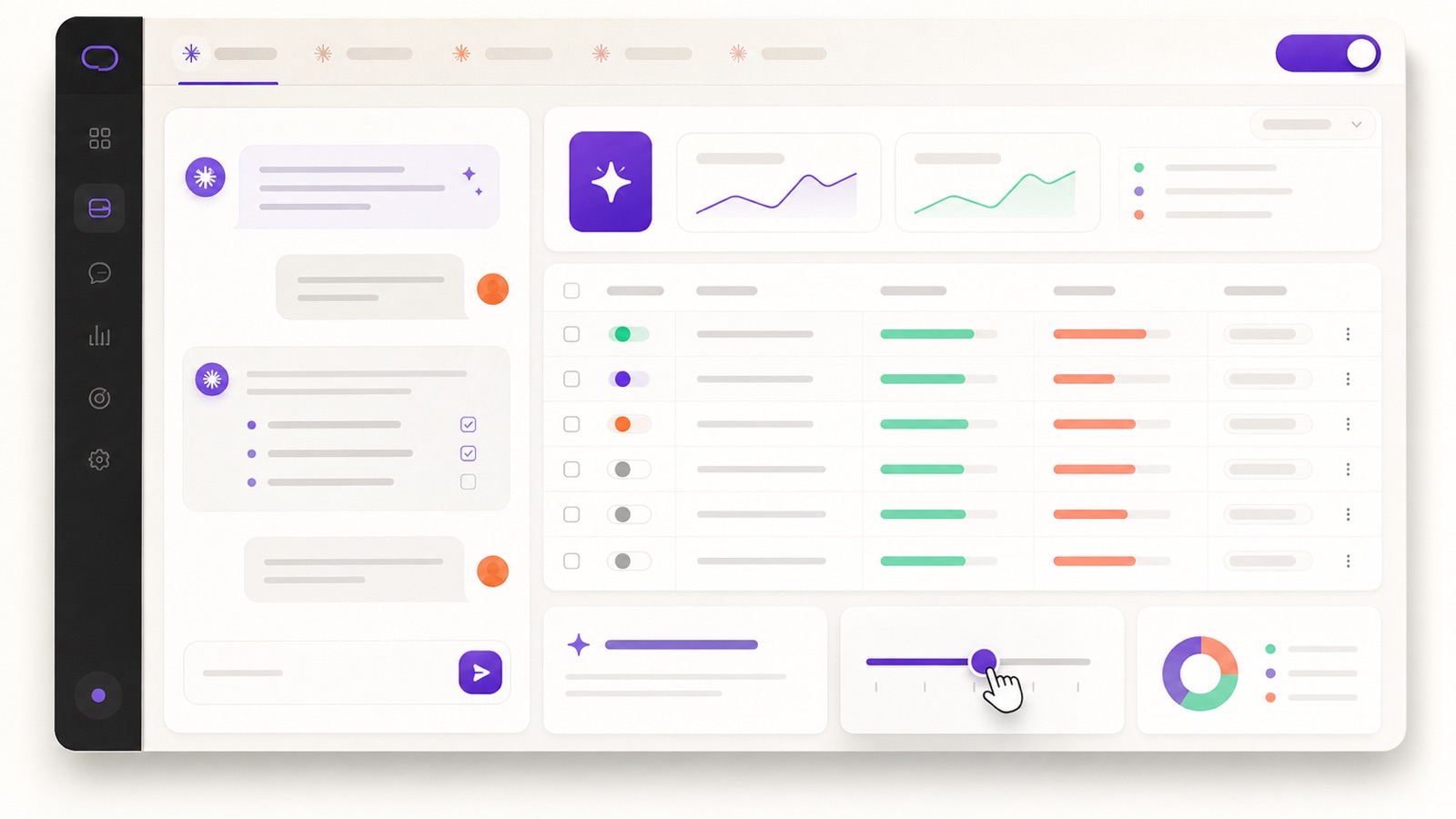
- "Autopilot" doesn't mean hands-off. It means a repeatable loop Claude runs for you — audit, propose, you approve, execute — so the thinking is automated, not the spending.
- Auto-rules are too dumb; Smart Bidding is too opaque. Claude reasons over your live account and explains every recommendation in plain English.
- The loop is concrete: read-only audit → bid & budget adjustments → negative keywords → scale winners → reporting. Each step is a copy-paste prompt.
- You stay in control. Read-only audits, paused-by-default campaigns, approval on every change, plus daily spend caps and 24/7 monitoring agents.
The two ways Google Ads management goes wrong
If you run Google Ads, you live with one of two bad options. The first is doing it by hand: every week you pull the search terms report, hunt for junk queries, nudge bids, check which ad groups are bleeding budget, and try to remember which campaign you scaled last month and why. It works, but it eats hours you don't have — and the moment you skip a week, waste compounds quietly.
The second is handing it to automation. Google's automated rules fire fixed if-this-then-that triggers — "if CPA > $40, drop the budget 10%" — that can't tell a bad Tuesday from a broken campaign. And Smart Bidding optimizes inside a black box: it'll chase your target, but it won't tell you why performance moved or whether the next dollar belongs in Google at all. You trade hours for control, and you never quite trust the result.
There's a third way now, and it's the point of this guide: Claude connected to your live Google Ads account, running a loop where it does the analysis, proposes specific changes in plain English, and waits for your approval before anything happens. The thinking is on autopilot. The spending stays on your call.
How the connection works: Google Ads → Claude via MCP
MCP (Model Context Protocol) is the open standard that lets an AI app securely connect to live data sources. 1ClickReport is an MCP server built for marketing: you connect Google Ads — plus Meta, GA4, Search Console and Stripe if you want the full picture — with OAuth in about 60 seconds. From then on, Claude can read your account, and on the Team plan act on it, all from one conversation.
Once connected, you stop opening the Google Ads UI to ask questions. You just ask:
Claude queries your live account, runs the math, and answers with the actual numbers — no export, no upload, no stitching together four reports. Because it's a conversation, you keep going: "Why did campaign X's CPA jump?" and it digs into the search terms and devices to tell you.
This is the unlock. A chatbot guessing from a screenshot is a parlor trick. An agent wired into your real account — with read access to every campaign, ad group, keyword and search term — can actually run the loop below.
The Google Ads autopilot loop
"Autopilot" is a loop, not a magic button. Here's the exact sequence Claude runs — daily for spend protection, weekly for the deeper optimization pass. Every step is a prompt you can copy. Every change is yours to approve.
Step 1 — Read-only audit: find the wasted spend
Start where the money is leaking. Claude scans the account for the usual suspects: broad-match queries draining budget on irrelevant searches, ad groups with high spend and zero conversions, keywords whose CPA is double your target, and campaigns where the budget is concentrated on losers. This step is read-only — it can't change anything, so run it as often as you like.
You get a ranked list with real numbers, not a vague "consider reviewing your keywords." For the full version of this step — search-term mining, device and geo leaks, Quality Score drags — see the Google Ads audit guide.
Step 2 — Bid & budget adjustments
Instead of a rule that blindly cuts budget when CPA crosses a line, Claude reasons about pacing and reallocation. It can see that a campaign is hitting its budget cap by noon (so it's leaving conversions on the table) or that another is spending full budget at 3x your target CPA (so it should be reined in). It proposes the specific moves — and nothing changes until you say yes.
On Premium, once you approve, Claude applies the budget and bid-strategy changes for you. On Pro, it hands you the exact list to make yourself. Either way you saw the reasoning first.
Step 3 — Negative keywords: stop paying for junk
The search terms report is where money quietly disappears — you're paying for queries that will never convert. Claude mines it, clusters the junk, and proposes a clean negative-keyword list with the wasted spend attached to each, so you can see exactly what you're plugging.
Approve the list and, on Premium, Claude adds the negatives to the right campaigns or ad groups. This one prompt, run weekly, is often the single biggest source of recovered budget.
Step 4 — Scale the winners
Cutting waste is half the job; the other half is pouring more into what works. Claude identifies the campaigns and keywords beating your target CPA or ROAS with room to grow, and proposes a measured scale-up — not a reckless budget doubling that breaks the algorithm's learning.
Step 5 — Reporting that writes itself
Close the loop with a summary you'd actually send. Claude pulls the numbers live and writes the "what changed and why" — for your own records, a client, or the board — in seconds, in your words.
Creating new campaigns from Claude (Premium)
The loop above keeps an existing account healthy. But you can also build new campaigns from the same chat on the Team plan. Describe the campaign in plain English — objective, budget, target locations, themes — and Claude drafts the structure: campaign, ad groups, a starter keyword set, and responsive search ads.
Here's the safety part that matters: every new campaign is created in a paused state. Nothing spends a cent until you review the structure, tweak what you want, and flip it on yourself. Claude does the heavy lifting of building it out; you keep the decision to launch.
Auto-rules vs single-platform AI vs Claude + 1ClickReport
The reason this beats the alternatives comes down to three things: whether it can see across channels, whether it reasons instead of reacting, and whether you stay in the loop.
| Capability | Google automated rules | Single-platform AI (Smart Bidding) | Claude + 1ClickReport |
|---|---|---|---|
| Reasons over your data | No — fixed triggers | Inside Google's black box | Yes — explains every move |
| Sees beyond Google (Meta, GA4, Stripe) | No | No | Yes — cross-channel |
| Explains the "why" | No | Limited | Yes, in plain English |
| You approve before changes | Auto-fires | Auto-optimizes | Yes — approval on every change |
| Create campaigns from a chat | No | No | Yes (Premium, paused) |
The cross-channel row is the one no Google-only tool can ever check. Because 1ClickReport also connects Meta, GA4 and Stripe, Claude can answer the question Google's own AI structurally can't: "Is my next dollar better spent on Google or Meta, based on blended ROAS?" That's the subject of the cross-channel playbook.
"You stay in control" — the guardrails
Autopilot without guardrails is how you wake up to a drained account. 1ClickReport is built the opposite way:
- Audits are read-only. The analysis steps physically can't change anything in your account.
- New campaigns are created paused. Nothing spends until you review and enable it.
- Every change needs approval. Claude proposes the bid cut, the negative list, the scale-up — you confirm. It's a copilot you steer, not a hands-off autopilot.
- Spend protection. Daily spend caps plus 24/7 monitoring agents flag anomalies before they cost you.
- Optional, for power users: if you live in the terminal, you can build custom agents in Claude Code to run parts of this loop on a schedule — but it's entirely optional.
Put your Google Ads on autopilot — free for 7 days
Connect Google Ads to Claude in about 60 seconds, then run the audit-to-scale loop above. Find wasted spend, fix bids, add negatives, scale winners — and approve every change before it happens.
How to start in the next 5 minutes
- Connect Google Ads. Sign up for the 7-day free trial and link your account with OAuth — about 60 seconds, no tag changes.
- Run the read-only audit. Open Claude and paste the Step 1 prompt. You'll have your top wasted-spend list before your coffee's cold.
- Approve a change or two. Add a negative-keyword list or adjust a budget — see how the propose-then-approve flow feels.
- Add the rest of your stack. Connect Meta, GA4 and Stripe so Claude can reason cross-channel, not just inside Google.
That's the whole on-ramp. No migration, no dashboards to learn — you're just asking your account questions and approving the fixes.
Go deeper: the rest of the playbook
This guide is the Google Ads chapter. Here's where it fits and what to read next:
Frequently asked questions
What does it mean to put Google Ads on autopilot with Claude?
It means connecting your Google Ads account to Claude via 1ClickReport's MCP server, then running a repeatable loop in plain English: Claude audits for wasted spend, proposes bid and budget changes, suggests negative keywords, and identifies winners to scale. Crucially, Claude proposes and you approve — it's a copilot you steer, not hands-off spending. Audits are read-only and any change needs your confirmation.
How is this different from Google's automated rules and Smart Bidding?
Google's automated rules fire fixed if-this-then-that triggers you configure in advance, and Smart Bidding optimizes inside Google's own black box. Claude with 1ClickReport reasons over your live data — it can diagnose why CPA rose, weigh trade-offs, and even compare Google against Meta on blended ROAS — then recommend specific actions you approve. You see the reasoning and stay in control.
Can Claude create new Google Ads campaigns, or only analyze them?
On the Solo plan Claude analyzes everything: campaigns, ad groups, keywords, search terms, budgets and audiences. On the Team plan it can also create and manage Google Ads campaigns — new campaigns, ad groups, responsive search ads and keywords. Every new campaign is created in a paused state so nothing spends until you review and enable it.
Is it safe to let an AI touch my Google Ads account?
1ClickReport is approval-based by design. Audits use read-only access, new campaigns are created paused, and every change requires your explicit confirmation before it takes effect. Daily spend caps and 24/7 monitoring agents add a second layer of protection so nothing runs away with your budget.
How do I get started and how long does it take?
Connect your Google Ads account to 1ClickReport with OAuth in about 60 seconds, then open Claude and ask it to audit your account. There's a 7-day free trial. You can connect Meta, GA4, Search Console and Stripe the same way to give Claude the full cross-channel picture.